Best Monitor Arms for Small Desks
Heads up: this post has affiliate links. If you buy through them, I may earn a small commission at no extra cost to you. Full disclosure here.
Quick Picks at a Glance
| Product | Best For | Deal |
|---|---|---|
| Ergotron LX | Best overall | Check Price |
| Amazon Basics Premium Monitor Arm | Ergotron quality for less | Check Price |
| HUANUO FlowLift | Best value gas-spring arm | Check Price |
| VIVO STAND-V001 | Cheapest decent arm | Check Price |
| VIVO STAND-V002 | Budget dual monitors | Check Price |
| HUANUO FlowLift Dual | Two screens, smooth movement | Check Price |
My top pick: Ergotron LX. The smoothest arm I’ve used. You move the screen with one finger and it stays exactly where you leave it.
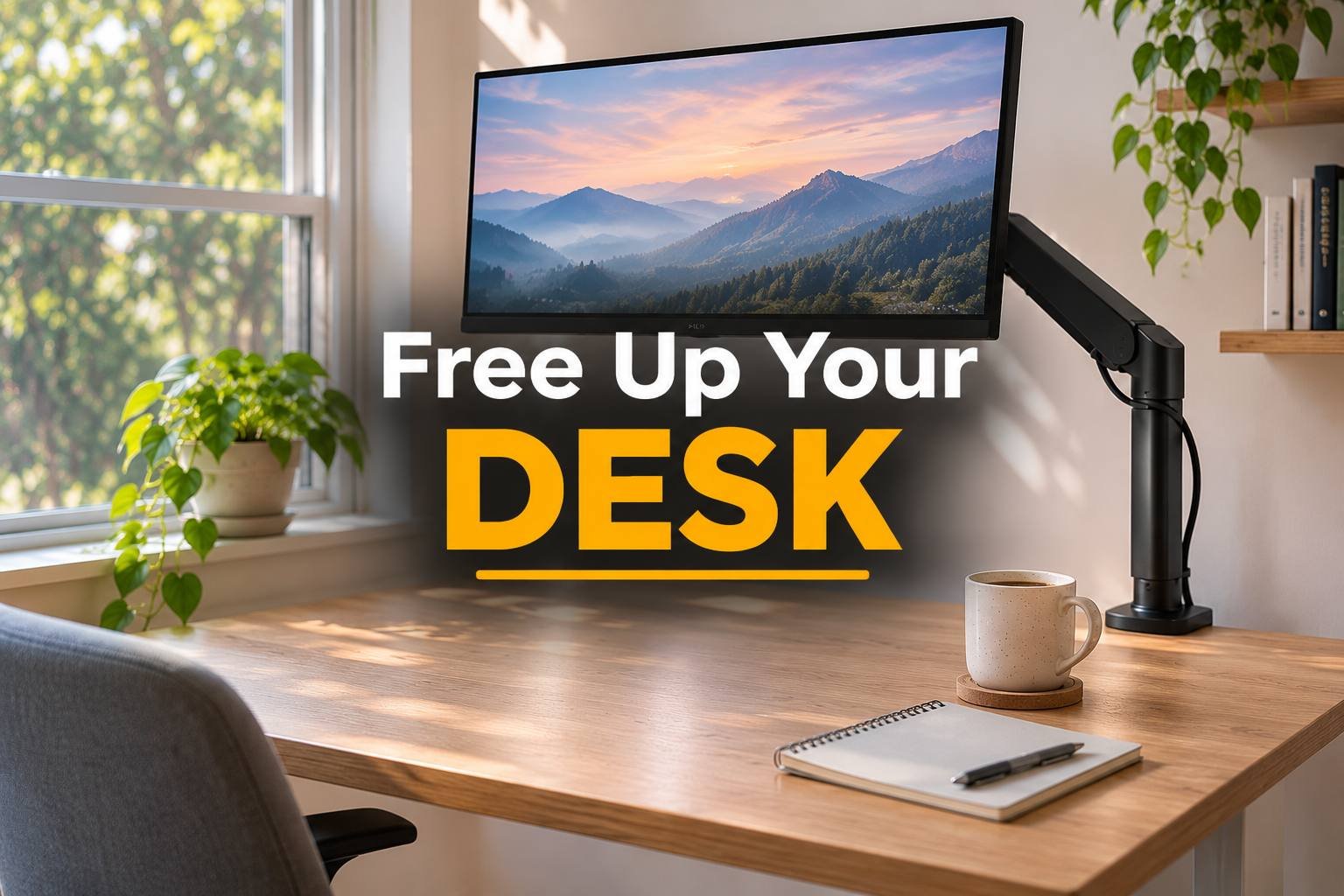
On a small desk, the monitor stand is stealing space you can’t spare. That big flat foot takes up the exact spot where your notebook, coffee or second keyboard should go. A monitor arm clamps to the back edge, lifts the screen off the desk entirely, and lets you put it at the right height. That last part is the one most people miss.
A screen sitting too low is behind a lot of neck pain. With an arm, top of the screen at eye level takes about five seconds to get right.
The picks
Ergotron LX: best overall
There’s a reason you see this arm everywhere. The gas spring is smooth, the build is solid aluminum, and once it’s tensioned for your monitor it holds position without drooping. It’s also great on standing desks, where you tweak screen height more often. Not the cheapest. Worth every dollar.
Amazon Basics Premium: Ergotron design for less
Ergotron builds this one for Amazon, and it feels a lot like the LX for less money. It’s my pick if the LX is just over budget.
HUANUO FlowLift: best value
A gas-spring arm with smooth movement, clamp and grommet mounting included, and a price that undercuts the big names. For a typical 24 to 27-inch monitor, it’s hard to beat for the money.
VIVO STAND-V001: cheapest decent arm
This isn’t gas spring, so adjusting it means loosening a knob, moving the screen, and tightening it again. That’s fine if you set it once and leave it. It’s sturdy and dirt cheap.
VIVO STAND-V002: budget dual setup
Two screens on one pole, both lifted off the desk. Same knob-style adjustment as the V001. For a small desk with two monitors, it frees up a shocking amount of space.
HUANUO FlowLift Dual: two screens, smooth movement
If you run two monitors and adjust them a lot (standing desk users, I’m looking at you), the gas-spring version is worth the step up from the VIVO.
Before you buy
Check VESA. Most monitors have four screw holes on the back in a 75 or 100 mm square. Some slim or curved monitors don’t, and you’ll need an adapter.
Check the weight. Every arm lists a minimum and maximum weight. A monitor that’s too light for a gas spring will float up. Too heavy and it’ll sag.
Check your desk edge. The clamp needs a solid edge with clearance underneath. Standing desk frames sometimes have a crossbar in the way, and glass desks are a no-go.
Pair it with a good screen (see the best monitors for working from home) and a cable tray so the arm’s built-in cable channel doesn’t dump everything onto the floor.
FAQ
Is a monitor arm worth it?
On a small desk, absolutely. It frees up the space under the screen and makes it easy to get the monitor to eye level.
Will a monitor arm work with my monitor?
If it has VESA mounting holes on the back and falls inside the arm’s weight range, yes. Check both before ordering.
Can I use a monitor arm on a standing desk?
Yes, and it’s one of the best places for one. Just check that the clamp clears the desk frame’s crossbar.
Gas spring or fixed arm?
Gas spring if you adjust your screen often. A fixed, knob-style arm is fine if you set it once and leave it.