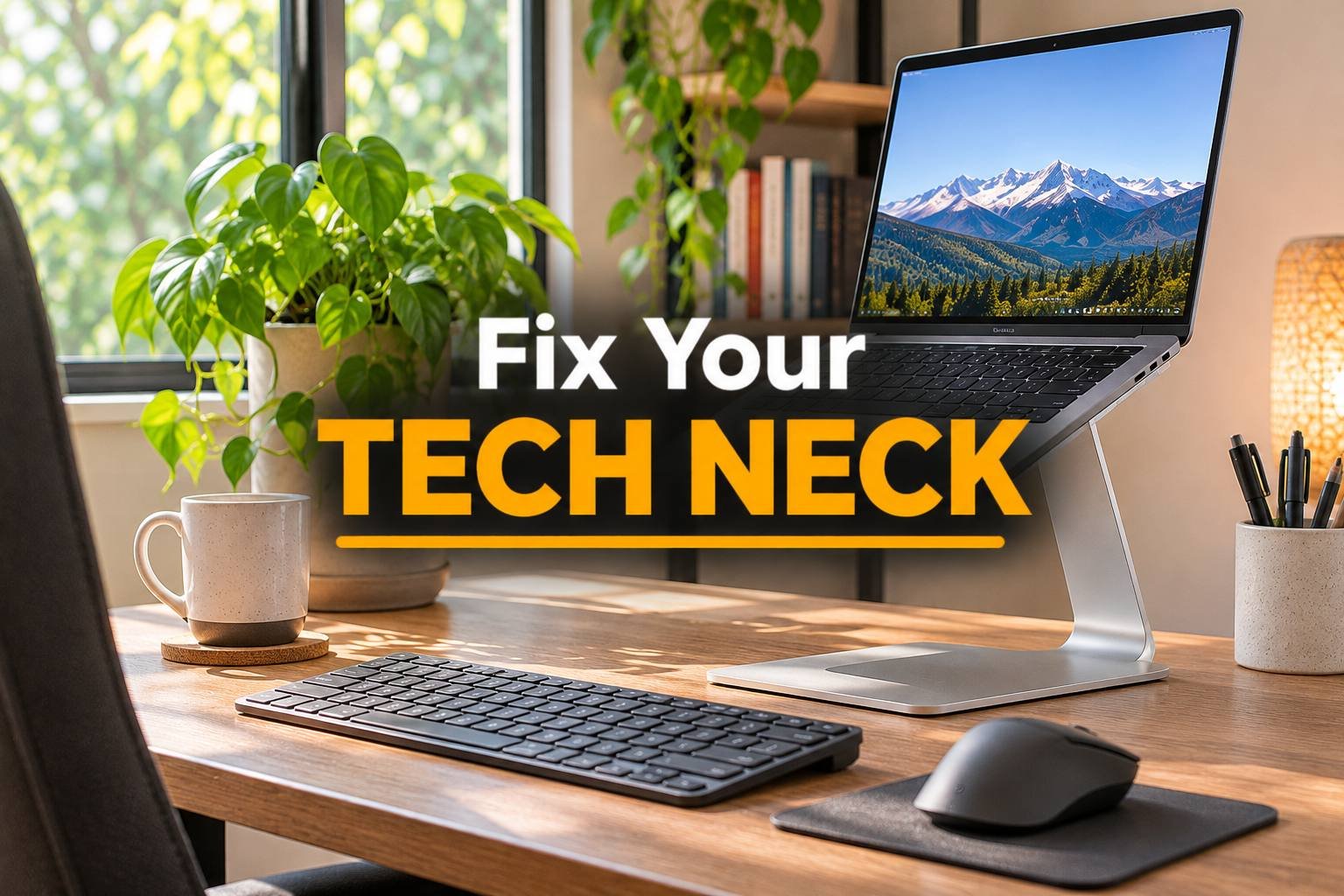
Fix Laptop Neck: The Cheap Upgrade That Ends Tech Neck
Heads up: this post has affiliate links. If you buy through them, I may earn a small commission at no extra cost to you. Full disclosure here.
Quick Picks at a Glance
| Product | Best For | Deal |
|---|---|---|
| Nulaxy Laptop Stand | Best cheap adjustable stand | Check Price |
| BoYata Laptop Stand | Heavy-duty, very stable | Check Price |
| Rain Design mStand | Clean aluminum look | Check Price |
| Roost Laptop Stand | Portable, folds tiny | Check Price |
| Logitech K380 | Cheap compact keyboard | Check Price |
| Logitech Pebble Mouse | Quiet, slim mouse | Check Price |
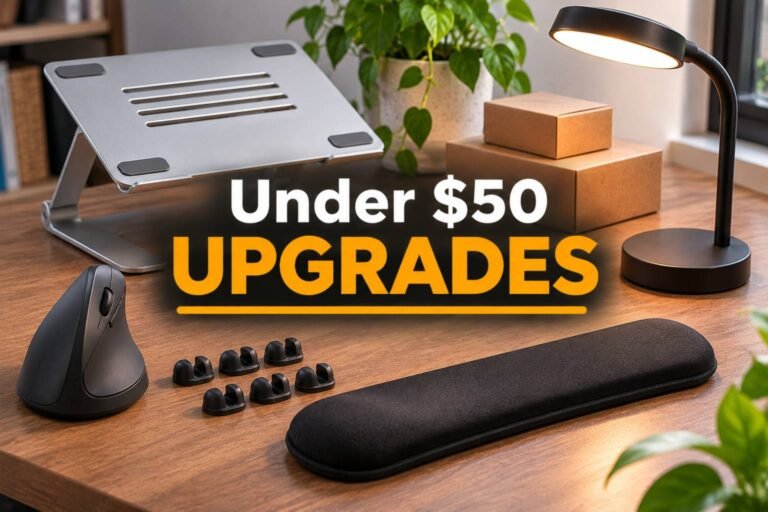
My top pick: Nulaxy laptop stand. Cheap, adjustable and sturdy enough for daily typing. Pair it with any wireless keyboard and your neck will notice by Friday.
Your laptop is designed for portability, not posture. The screen and keyboard are stuck together, so when your hands are in the right spot, your eyes are looking way down. Do that for eight hours and your neck carries the weight of your head at an angle all day. That’s tech neck.
The fix is boring and cheap: lift the laptop to eye level and use a separate keyboard and mouse. That’s it. Two purchases.
The stands
Nulaxy: best cheap adjustable stand
Adjustable height and angle, solid aluminum, and it folds flat. It’s the one I’d tell most people to buy.
BoYata: heavy-duty and stable
Thicker arms and a heavier base, so it doesn’t bounce when you tap the screen. Good for bigger laptops.
Rain Design mStand: the clean look
A single piece of aluminum with a cable hole in back. Fixed height, very stable, looks great on a tidy desk.
Roost: for working anywhere
Folds down small enough for a backpack and still raises the screen high. Pricier, but it’s the one for coffee shops and travel.
The keyboard and mouse
Logitech K380: compact wireless keyboard
Small, quiet, cheap and pairs with up to three devices. Perfect partner for a laptop stand.
Logitech Pebble: slim, quiet mouse
Tiny and silent. If you have big hands, get the MX Master 3S instead (see gear for big hands).
Getting the height right
Raise the stand until the top of the screen is at or slightly below eye level, about an arm’s length away. Keyboard flat on the desk, elbows at about 90 degrees. If you’ve got a home desk setup, an external monitor is the next step up. Here are the best monitors for working from home.
FAQ
Does a laptop stand really help neck pain?
Yes. It raises the screen to eye level so you stop looking down all day, which is the main cause of laptop neck strain.
Do I need a separate keyboard with a laptop stand?
Yes. Once the laptop is raised, typing on its built-in keyboard puts your wrists at a bad angle. A cheap wireless keyboard and mouse fix that.
How high should my laptop screen be?
The top of the screen should be at or slightly below eye level, about an arm’s length away.
Is a laptop stand better than a monitor?
A monitor is better for a permanent desk. A stand is cheaper and works anywhere, including when you travel.