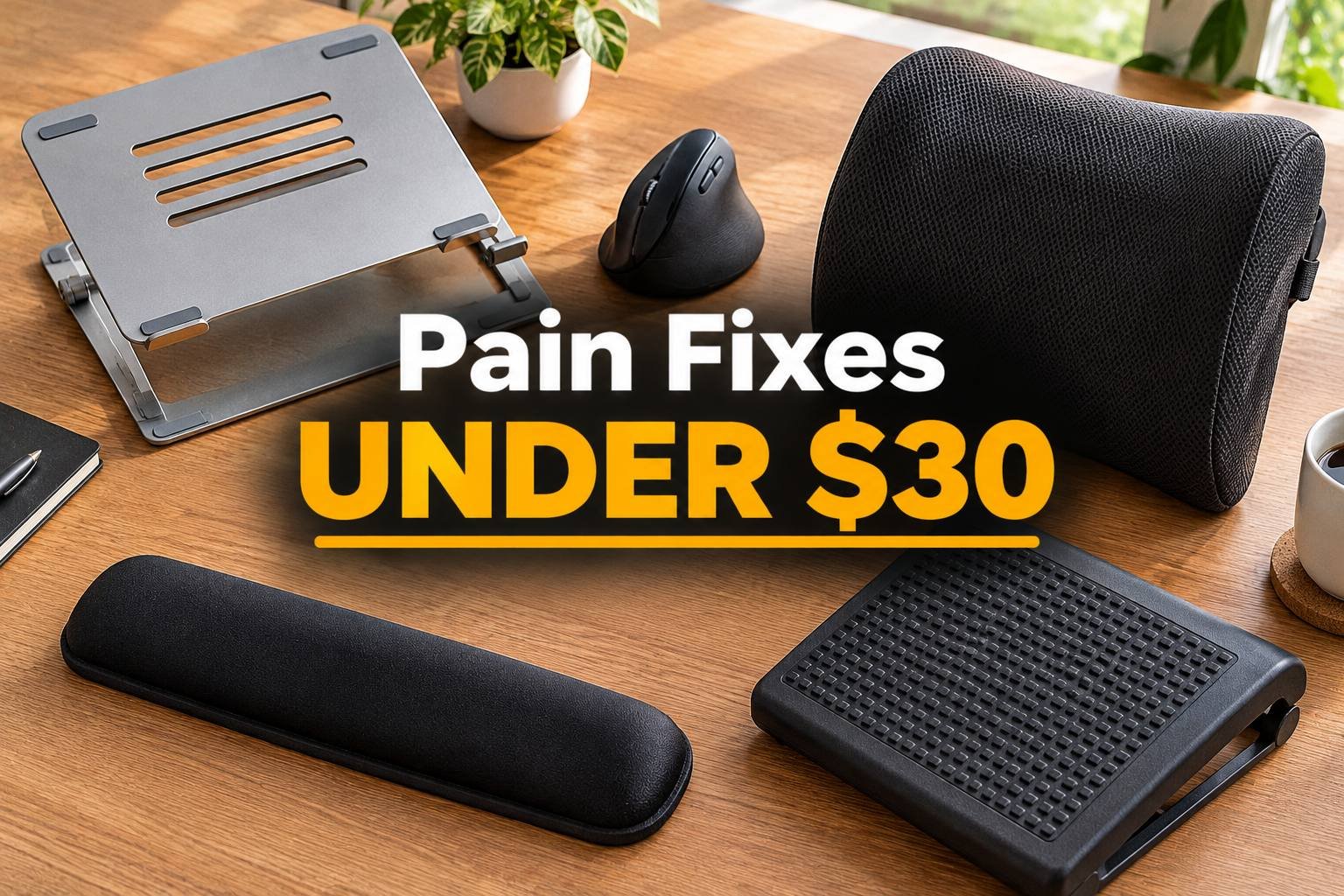
10 Desk Fixes Under $30 for Neck, Wrist and Back Pain
Heads up: this post has affiliate links. If you buy through them, I may earn a small commission at no extra cost to you. Full disclosure here.
Quick Picks at a Glance
| Product | Best For | Deal |
|---|---|---|
| Adjustable Laptop Stand | Neck pain from looking down | Check Price |
| Anker Vertical Mouse | Wrist and forearm pain | Check Price |
| Gel Wrist Rest Set | Wrist pressure while typing | Check Price |
| Under-Desk Foot Rest | Lower back, short legs | Check Price |
| Memory Foam Lumbar Pillow | Lower back pain | Check Price |
| Monitor Riser | Monitor too low | Check Price |
| Seat Cushion | Tailbone and hip pain | Check Price |
| Anti-Glare Screen Filter | Eye strain from glare | Check Price |
| Wireless Keyboard | Laptop users with a stand | Check Price |
| Desk Timer Cube | Remembering to move | Check Price |
My top pick: an adjustable laptop stand. If you work on a laptop, this one cheap stand probably does more for your neck than anything else on the list.
You don’t need a $1,200 chair to stop hurting. Most desk pain comes from one or two specific problems: a screen that’s too low, a wrist that’s bent, a lower back with nothing behind it. Fix the specific problem and the pain usually goes with it.
Prices bounce around, but these are usually under $30. Pick the one that matches where it hurts.
For neck pain
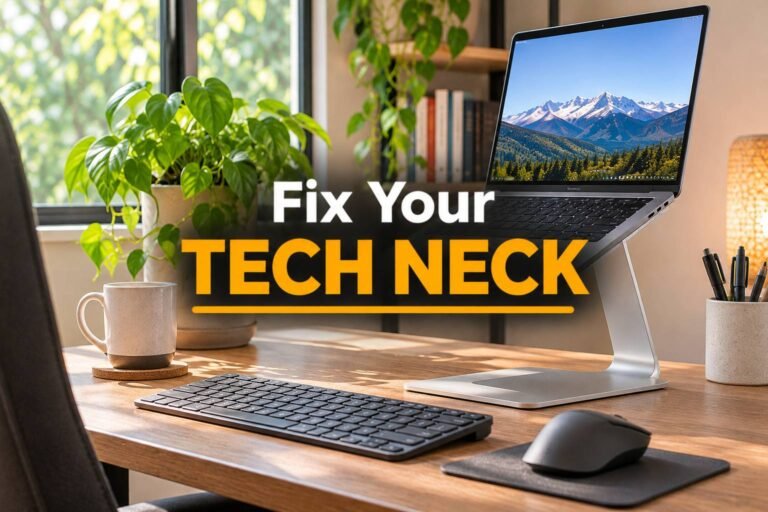
1. Adjustable laptop stand
Looking down at a laptop all day is the classic cause of tech neck. A stand lifts the screen to eye level. You’ll need a separate keyboard and mouse, but that’s the point.
2. Monitor riser
Most monitors sit too low on the desk. A riser adds a few inches and gives you a shelf for clutter underneath.
For wrist and forearm pain
3. Vertical mouse
Turns your hand into a handshake position, which takes the twist out of your forearm. Takes a few days to get used to. Worth it.
4. Gel wrist rest set
Softens the hard desk edge under your wrists. Rest on it during pauses rather than planting your wrists on it while typing.
For lower back pain
5. Memory foam lumbar pillow
Most cheap chairs have zero lower back support. A lumbar pillow fills the gap. It’s the cheapest chair upgrade there is. More options in the best lumbar pillows and seat cushions.
6. Seat cushion
If your tailbone or hips hurt by afternoon, a memory foam cushion with a cutout at the back takes pressure off.
7. Under-desk foot rest
Shorter people often can’t get their feet flat with the chair at the right height. A foot rest fixes that, and your lower back follows.
For eyes and everything else
8. Anti-glare screen filter
If a window reflects off your screen, you squint all day without noticing. A matte filter helps.
9. Compact wireless keyboard
The partner to the laptop stand. Small, cheap and it pairs with almost anything.
10. Desk timer cube
Flip it to 30 or 60 minutes. When it beeps, stand up. The best ergonomic fix is still moving more.
If you work on a laptop all day, the laptop stand is the one I’d buy first. Here’s more on fixing laptop tech neck.
FAQ
What’s the cheapest way to fix neck pain at a desk?
Raise your screen. A laptop stand or monitor riser gets the screen to eye level for not much money.
Do wrist rests actually help?
They help when you rest on them during pauses. Planting your wrists on them while typing can add pressure, so keep your wrists floating as you type.
Is a lumbar pillow as good as a new chair?
Not quite, but it fixes the most common chair problem (no lower back support) for a small fraction of the price.
When should I see a doctor?
If pain doesn’t improve after changing your setup, or you have numbness, tingling or weakness, talk to a doctor or physical therapist.