Standing Desk Setup Tips: Height, Monitor and Mat
Heads up: this post has affiliate links. If you buy through them, I may earn a small commission at no extra cost to you. Full disclosure here.
Quick Picks at a Glance
| Product | Best For | Deal |
|---|---|---|
| Ergodriven Topo Mat | Standing longer without sore feet | Check Price |
| Ergotron LX Monitor Arm | Getting the screen to eye level | Check Price |
| FlexiSpot E7 Pro | A stable desk with memory presets | Check Price |
| Under-Desk Cable Tray | Cables that don’t snag when the desk moves | Check Price |
| Laptop Stand | Laptop-only setups | Check Price |
| Logitech MX Keys + MX Master 3S | Keeping your wrists at elbow height | Check Price |
My top pick: Ergodriven Topo mat. If you only buy one thing after the desk, buy this. It’s the reason I stand for an hour instead of ten minutes.
Buying a standing desk is the easy part. Setting it up so it doesn’t wreck your neck? That’s where most people blow it. I see the same mistakes over and over: desk too high, monitor too low, bare hardwood floor, and someone standing locked-kneed for two hours because they feel guilty sitting down.
Here’s how I’d set yours up, start to finish. It takes about ten minutes and a tape measure.
Get the desk height right first
Stand up straight in the shoes you actually wear at home (or socks, if that’s your thing). Let your arms hang, then bend your elbows to roughly 90 degrees. The desk surface goes right at, or just under, your elbows.
That’s it. Not chest height. Not “whatever looks right.” If your shoulders creep up toward your ears while you type, the desk is too high. If you’re hunching to reach the keyboard, it’s too low.
Once you find it, save it as a memory preset. Then do the same sitting down: feet flat, thighs roughly level, elbows at desk height. Two presets, one for each position. No presets on your desk? Stick painter’s tape on the leg at each height. Ugly, but it works. (Or upgrade to something like the FlexiSpot E7 Pro, which saves four.)
Then fix the monitor
The top edge of your screen should sit at eye level or a touch below. Put it about an arm’s length away. When you raise the desk, the monitor moves with it, which is great, but only if it started in the right spot.
Here’s the catch. Desk height for your hands and screen height for your eyes almost never line up on the same flat surface. A laptop is the worst offender, because the screen sits way too low when the keyboard’s at the right height. You’ve got two fixes: an adjustable laptop stand plus a separate keyboard like the Logitech MX Keys, or a monitor on an arm.
I’d pick the arm. An Ergotron LX lets you nudge the screen up or down in a second, and that matters more on a standing desk than a regular one, because your eye height changes when you stand. On a budget, the HUANUO FlowLift does the same job for less.
One monitor or two?
If you use two, put the one you look at most directly in front of you. The second goes off to the side, angled in. Splitting the difference so you stare at the bezel all day is how people end up with a stiff neck on one side. A VIVO dual monitor arm makes this easy to dial in.
Put something soft under your feet
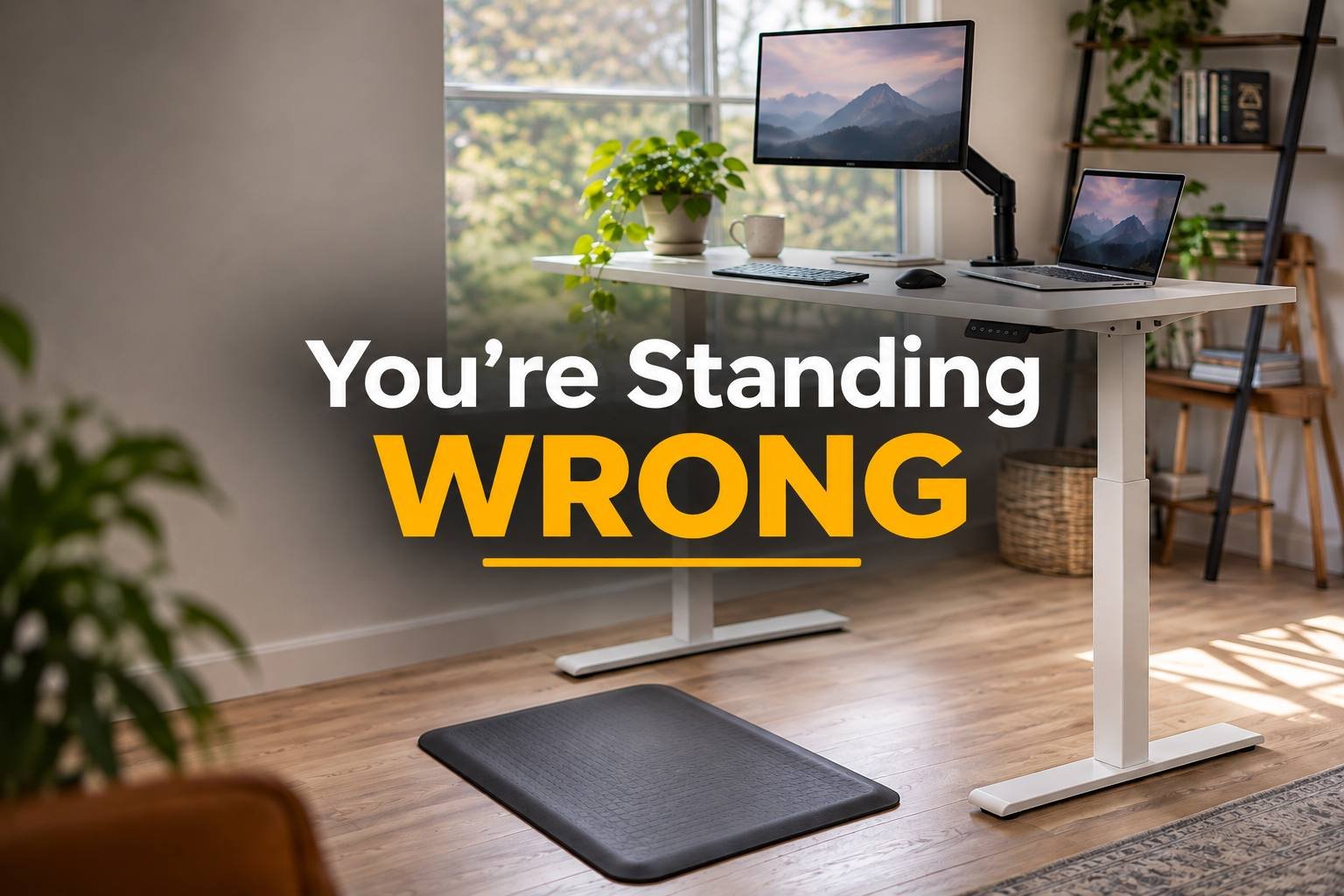
Standing on hard flooring is miserable after about twenty minutes. I’m not exaggerating. An anti-fatigue mat is the cheapest upgrade in this whole guide and it makes the biggest difference to how long you’ll actually stand.
I like the Ergodriven Topo because it isn’t flat. It has bumps and ramps that make you shift your weight without thinking about it. A flat foam mat like the ComfiLife is fine too, it’s just less interesting to stand on. I compared a bunch of them in the best anti-fatigue mats for standing desks.
Deal with the cables before they deal with you
Your desk goes up and down a few times a day. Every cable that’s pulled tight is one move away from yanking your monitor off the edge or popping a charger out of the wall. Leave some slack, run everything through an under-desk cable tray, and bundle what hangs down with velcro cable ties so it all moves together.
Do a full up-and-down test before you call it done. Watch the back of the desk the whole way. You’ll spot the problem cable immediately.
How long should you actually stand?
Not all day. Standing for eight straight hours isn’t healthier than sitting for eight straight hours, it just hurts in different places. The point of a standing desk is moving between positions.
Start with 15 to 30 minutes of standing at a time, then sit. Build up from there. A lot of people settle into a stand-every-hour rhythm, but honestly, whatever you’ll stick with beats whatever looks good on paper. I set a reminder for the first couple of weeks until it became a habit.
Small stuff that adds up
Keep your keyboard flat or slightly tilted away from you, not propped up on its little feet. Keep the mouse right next to it so you’re not reaching. Shift your weight, prop a foot on a small footrest, sway a bit. Standing still like a statue is exactly what makes your lower back complain.
And if your desk wobbles at standing height? Tighten every bolt you can find, then check the floor is level. If it still shakes when you type, it might just be the desk. That’s the main thing I looked at in the best standing desks for home offices.
FAQ
How high should a standing desk be?
At your elbow height with your arms bent at about 90 degrees, while you’re standing in your normal shoes. Measure yourself instead of trusting a chart, since height charts are built for averages.
Should my monitor move up when I stand?
If it’s sitting on the desk, it moves with the desk automatically. What you need to check is that it started at the right height. Top of the screen at or slightly below eye level works for both positions.
Do I really need a mat?
If you stand on hard flooring, yes. It’s cheap and it’s the difference between standing for ten minutes and standing for an hour.
Is it okay to stand barefoot?
On a good mat, sure. On bare hardwood or tile, your feet will get tired fast. Supportive shoes or a mat, ideally both.