Best Home Office Printers
Heads up: this post has affiliate links. If you buy through them, I may earn a small commission at no extra cost to you. Full disclosure here.
Quick Picks at a Glance
| Product | Best For | Deal |
|---|---|---|
| Brother DCP-L2640DW | Best for documents (mono laser) | Check Price |
| Epson EcoTank ET-4950 | Best color all-rounder | Check Price |
| Canon MAXIFY GX5020 | High-volume color printing | Check Price |
| Epson EcoTank ET-2800 | Cheap color ink tank | Check Price |
| Canon PIXMA TR8620a | You still need fax | Check Price |
| HP OfficeJet Pro 8125e | Fast color with HP’s app | Check Price |
My top pick: Brother DCP-L2640DW. If you mostly print documents, buy a Brother laser and stop thinking about printers. Toner doesn’t dry out, and it just works.
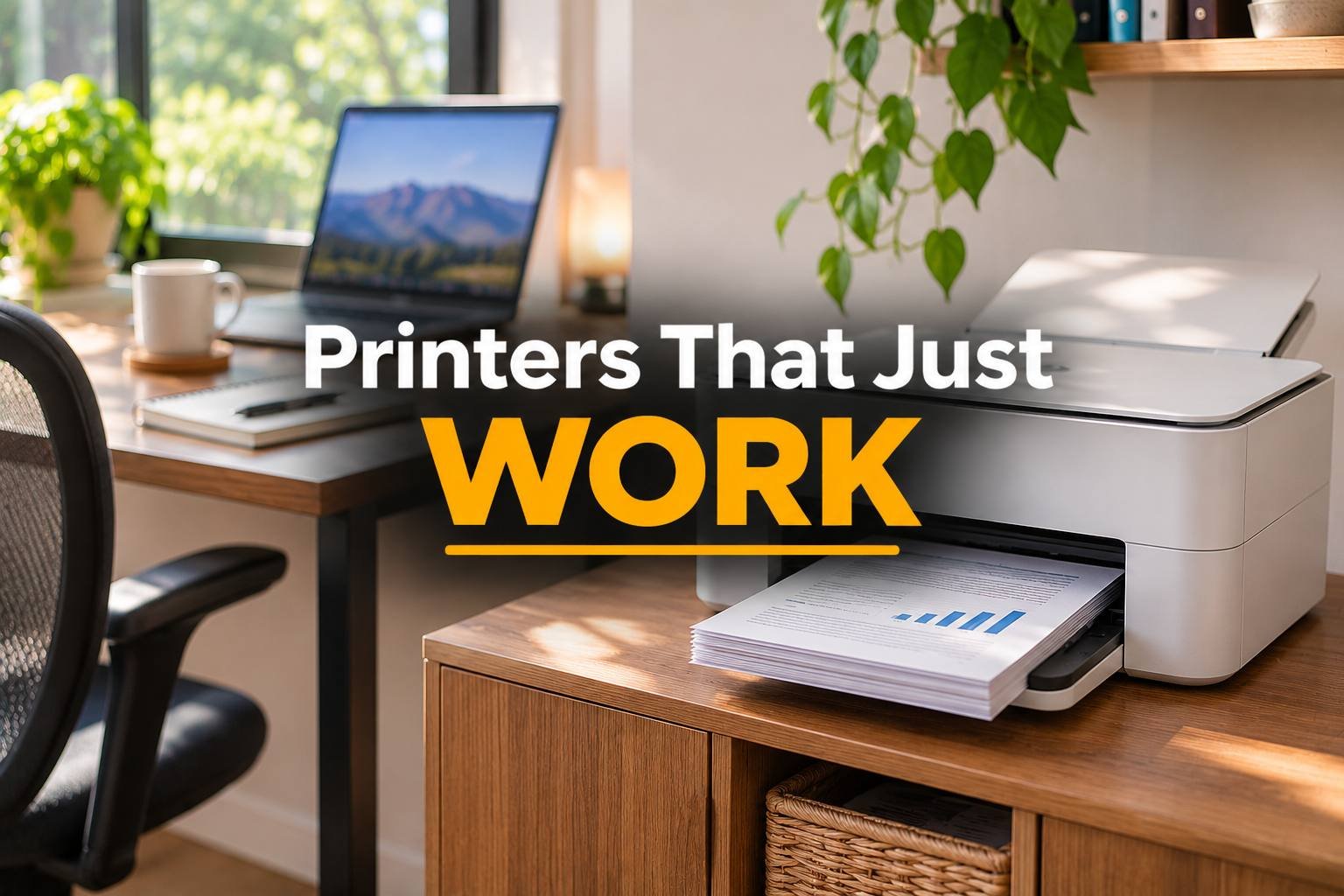
Most printer frustration comes from buying the wrong kind of printer, not a bad one. So before brands, decide this: do you print a lot of plain documents, or do you need color?
Mostly black-and-white documents? Get a laser printer. Toner doesn’t dry out when you go two weeks without printing, and the cost per page is low. Need color regularly? Get an ink tank printer (Epson calls them EcoTank, Canon calls them MegaTank). You fill them from bottles instead of buying pricey little cartridges, so the cost per page drops way down.
Cheap cartridge inkjets are the trap. The printer is cheap because the ink isn’t.
The picks
Brother DCP-L2640DW: best for documents
A monochrome laser that prints, scans and copies, with automatic two-sided printing and a document feeder for scanning stacks of pages. It’s fast, it’s reliable, and Brother lasers are famous for running for years without drama. For contracts, invoices, forms and shipping docs, this is my pick.
Epson EcoTank ET-4950: best color all-rounder
TechRadar rates it one of the best home printers overall, and it makes sense: color printing, scanning, an automatic document feeder, and refillable tanks that last a long time between fills. It costs more upfront than a cartridge printer and pays you back in ink.
Canon MAXIFY GX5020: for high-volume color
Built for people who print a lot. Big paper capacity, low running costs, solid speed. If your home office is really a small business, this is the workhorse.
Epson EcoTank ET-2800: cheap color ink tank
The entry ticket to ink tank printing. It’s simple and slow, and there’s no document feeder or auto duplex. But color prints cost very little, so for occasional school or home printing it’s a smart buy.
Canon PIXMA TR8620a: if you still need fax
Some industries still fax. Real estate, legal, healthcare, you know who you are. This is a four-in-one with fax, a document feeder and two-sided printing, in a fairly compact body. It uses cartridges, so running costs are higher.
HP OfficeJet Pro 8125e: fast color with HP’s app
Quick color printing, auto duplex and a good app for printing and scanning from your phone. Look closely at HP’s ink subscription and account requirements before you buy, since some people love them and some really don’t.
Before you buy
Check the cost per page, not the sticker price. A cheap printer with expensive ink costs more in a year than a pricier ink tank or laser.
Get an automatic document feeder if you scan multi-page documents. Scanning one page at a time gets old fast.
Keep a backup of paper and toner or ink. A ream of copy paper and a spare toner cartridge saves a panicked store run on deadline day.
Also worth having next to the printer: a surge protector, since printers and routers are the first things to fry in a storm.
FAQ
Is a laser or inkjet printer better for a home office?
Laser if you mostly print black-and-white documents. Ink tank if you need color often. Avoid cheap cartridge inkjets if you print a lot, since the ink costs add up.
What’s an ink tank printer?
A printer you refill from bottles of ink instead of cartridges. It costs more upfront but much less per page.
Do laser printers dry out?
No. Toner is a powder, so a laser printer can sit unused for weeks and still print fine. Inkjets can clog if they sit too long.
Do I need a printer with a scanner?
For most home offices, yes. An all-in-one costs a little more and saves you from needing a separate scanner for contracts, IDs and receipts.