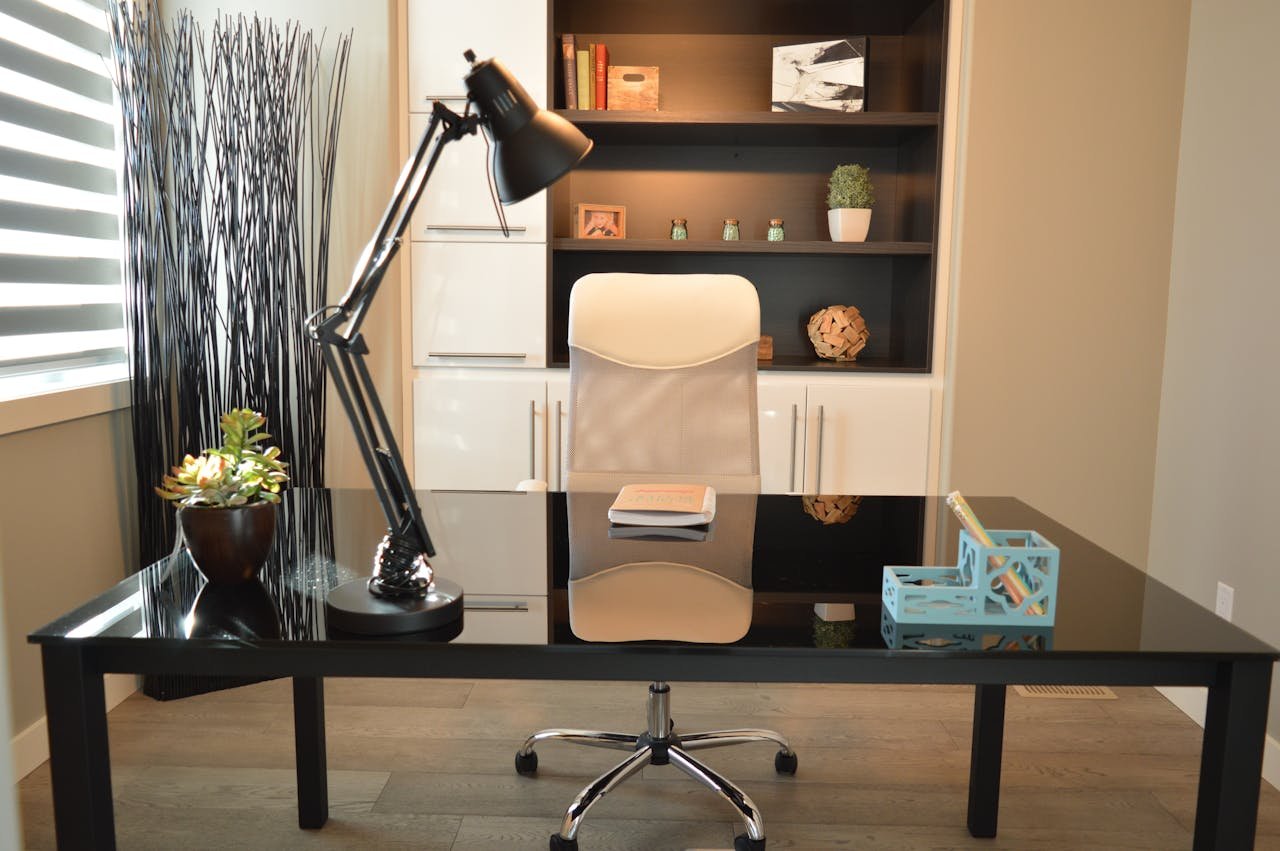
The Ultimate Home Office Setup Checklist: 15 Things You’ll Wish You Had Sooner
The Ultimate Home Office Setup Checklist: 15 Things You’ll Wish You Had Sooner
Creating the perfect home office isn’t about just having a chair and a desk — it’s about building a workspace that fuels focus, creativity, and comfort. Whether you’re new to remote work or refining your setup, this checklist covers everything you need to turn any corner of your home into a high-performance workspace.
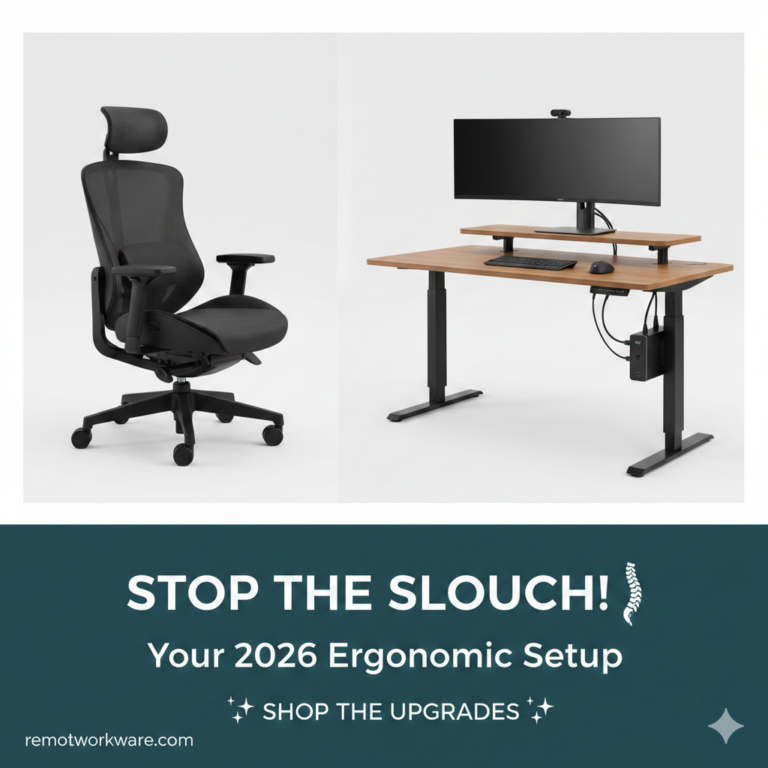
1. Ergonomic Chair That Saves Your Back
Invest in your comfort. A chair with adjustable lumbar support and breathable mesh can prevent fatigue during long hours.
2. Desk That Fits Your Workflow
Choose a standing or adjustable desk that matches your posture and space. Cable trays or organizers help keep your setup sleek.
3. Proper Lighting Setup
Natural light boosts mood and energy. For evenings, use LED lamps with adjustable brightness and color temperature.
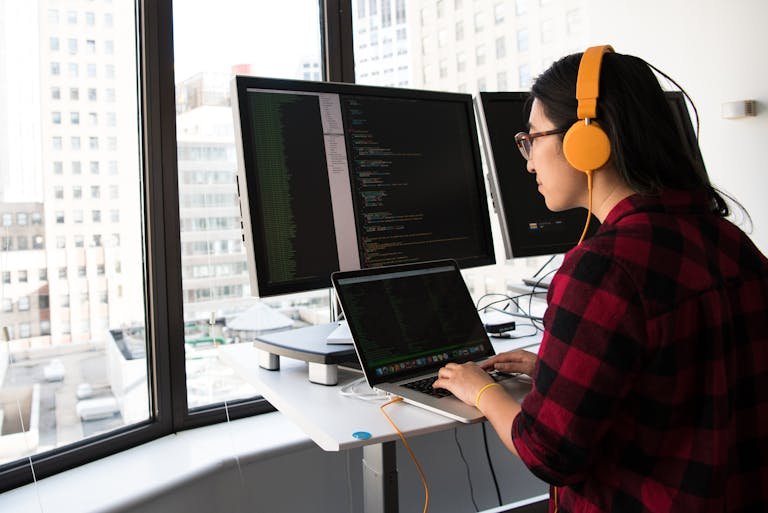
4. Dual Monitors (or an Ultrawide)
A second screen doubles your productivity—especially for multitasking or comparing data.
5. Noise-Canceling Headphones
Silence distractions and keep your focus sharp. Great sound also improves your meeting presence.
6. Fast, Reliable Internet Connection
Upgrade your router and consider using an Ethernet cable for steady speed during video calls.
7. Cable Organization Tools
Velcro ties, under-desk trays, and clips keep cords neat and out of sight.
8. External Keyboard and Mouse
Wireless peripherals prevent wrist strain and clutter.
9. Laptop Stand or Monitor Arm
Raise your screen to eye level for better posture.
10. Ambient Touches
Add plants, wall art, or diffusers to make your workspace inviting and reduce stress.
11. Backup Power (UPS)
Protect your devices and keep working through power blips.
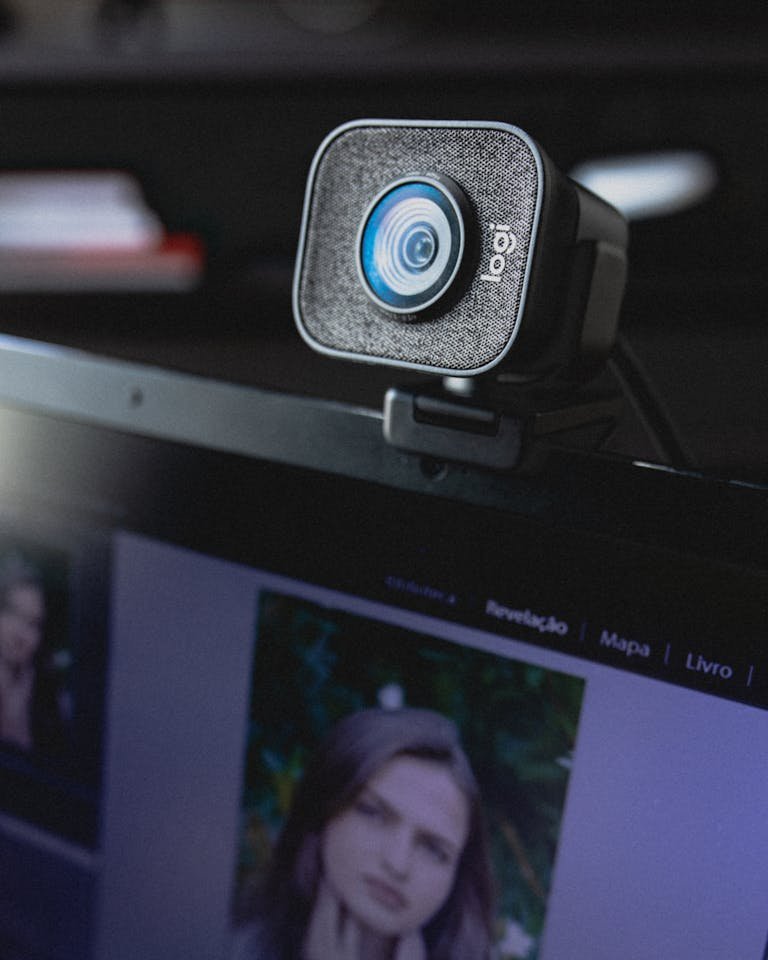
12. Webcam and Ring Light
Professional lighting and clear video help you look sharp on every call.
13. Blue Light Glasses or Screen Filter
Protect your eyes and avoid fatigue during long sessions.
14. File Storage and Organization System
Go digital with cloud storage or minimalist shelving.
15. Daily Reset Ritual
End each day by clearing your desk and updating your to-do list for tomorrow.
Recommended Home Office Products
| Category | Product | Why It’s Great |
|---|---|---|
| Ergonomic Chair | Steelcase Series 1 | Exceptional lumbar support and comfort for long workdays |
| Standing Desk | Uplift V2 Standing Desk | Smooth height adjustment, durable, and clean cable design |
| Desk Lamp | BenQ e-Reading LED Lamp | Flicker-free lighting with adjustable brightness and color |
| Monitor | Dell UltraSharp U2723QE | Crystal-clear 4K display ideal for multitasking |
| Headphones | Sony WH-1000XM5 | Best-in-class noise cancellation and mic clarity |
| Router | TP-Link Archer AXE75 | Wi-Fi 6 performance and rock-solid reliability |
| Cable Organizer | Scandinavian Hub Under Desk Tray | Keeps cords hidden and workspace clutter-free |
| Keyboard | Logitech MX Keys | Comfortable, quiet, and wireless with backlit keys |
| Mouse | Logitech MX Master 3S | Ergonomic, ultra-precise, and rechargeable |
| Webcam | Logitech Brio 4K | Sharp video and light adjustment for meetings |
| Ring Light | Neewer 18” LED Kit | Professional lighting for virtual calls |
| UPS Backup | APC Back-UPS 600VA | Protects devices during power loss |
| Smart Plug | Kasa Smart Plug Mini | Automate power for lights and chargers |
| Smart Thermostat | Google Nest Thermostat | Energy-efficient comfort control |
| Blue Light Glasses | Felix Gray Faraday | Reduces eye strain and looks professional |
Productivity and Workflow Tips
Small changes make big differences:
- Position your monitor perpendicular to a window to avoid glare.
- Use focus apps like Notion, Clockify, or Forest to stay on track.
- Schedule short 5-minute breaks every hour for stretching or hydration.
- Try “batch working” — group similar tasks together for deeper focus.
Workspace Psychology: Design That Fuels Focus
Your environment shapes your mindset.
- Lighting: Cooler (4000–4500K) tones boost alertness; warmer tones calm the mind.
- Color: Blue enhances concentration, green encourages calm, and yellow sparks creativity.
- Clutter: Keep surfaces clear—mental clarity follows visual simplicity.
Ergonomics and Health at Home
Protect your health while working from home:
- Follow the 20-20-20 rule: every 20 minutes, look 20 feet away for 20 seconds.
- Keep your elbows at a 90-degree angle when typing.
- Take micro-breaks: stretch your shoulders, roll your wrists, stand up often.
- Stay hydrated and maintain good posture throughout the day.
Smart Tech Integration
Level up your home office with small automations that make work effortless:
- Use smart plugs to power devices on a schedule.
- Try voice assistants like Alexa or Google Home for hands-free commands.
- Add smart lighting that adjusts automatically throughout the day.
- Control temperature with a smart thermostat for comfort and energy savings.
FAQs
Q: What should I buy first if I’m on a budget?
Start with an ergonomic chair and proper lighting — comfort and visibility make the biggest impact.
Q: What’s the ideal lighting color temperature for focus?
Use 4000–4500K light for daytime productivity and 2700K for evening relaxation.
Q: How do I make my home office more ergonomic?
Raise your screen to eye level, keep your feet flat on the ground, and use a chair with lumbar support.
Q: Should I invest in a standing desk?
Yes, alternating between sitting and standing helps reduce back pain and increases energy.
Q: How can I keep my workspace organized long-term?
Use cable ties, minimal decor, and regular weekly clean-ups to maintain focus and flow.